Nile Nav 1.5.0 - Feature Update
A Faster, Easier & More Reliable Field Experience
Nile Nav v1.5.0 is all about confidence. Confidence that your gateway is ready before you push a single setting. Confidence that every device you touch carries its identity through every job that follows. And confidence that when something hiccups mid-activation, you can recover in a tap - not start over. This release pulls the heaviest lifting forward, so your team can spend less time troubleshooting and more time turning sites live.
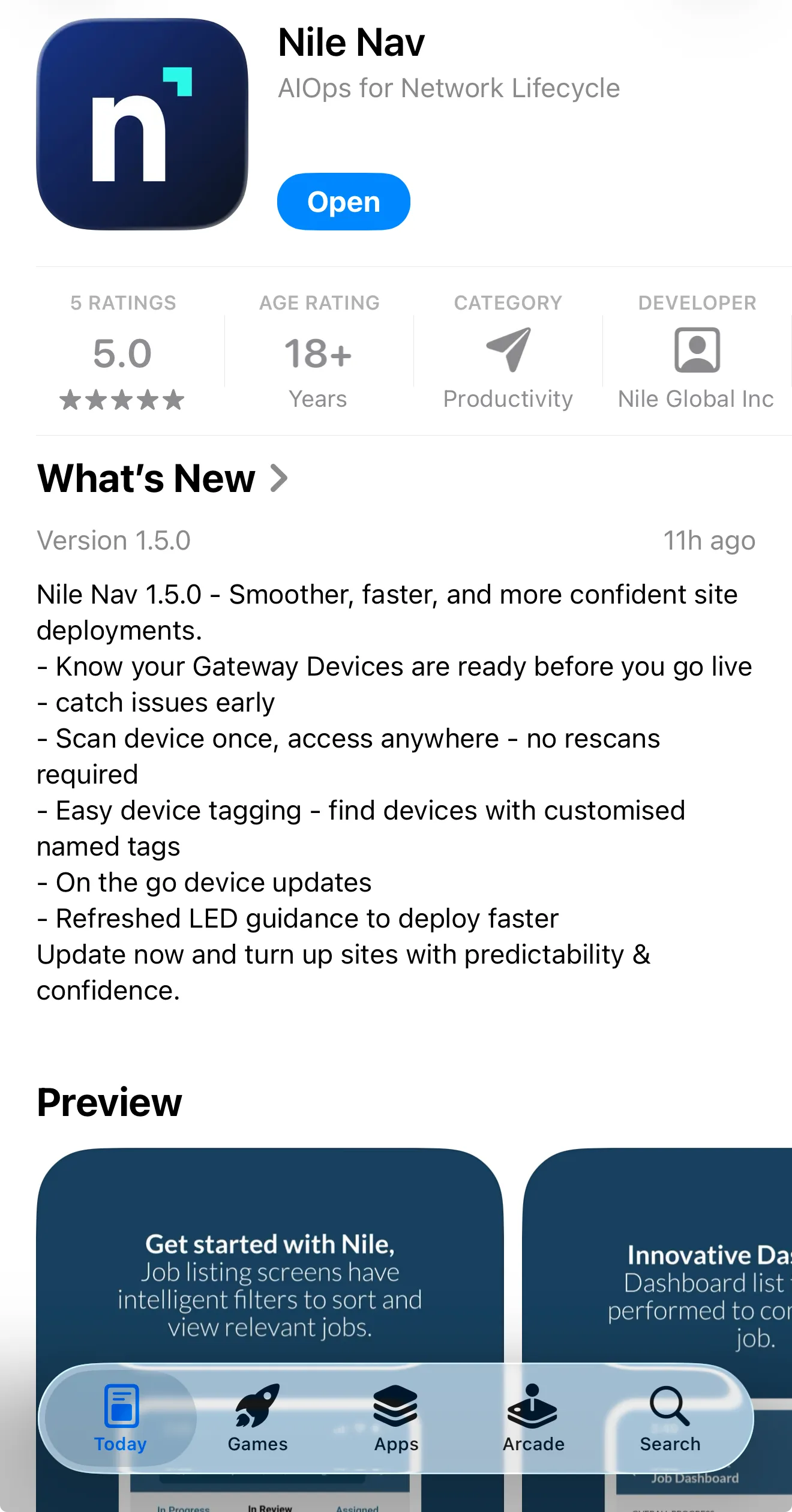
What's New
Feature Name | Feature Capability | User Benefit |
|---|---|---|
Gateway User Readiness Checks | Verifies your gateway is truly ready to go live - checking connectivity, routing, time, and cloud reach - before any settings are pushed. Clear pass/fail with one-tap rerun if something needs attention. | Detect issues before activation begins. Fewer failed pushes, faster turn-ups, calmer installs. |
Nile Digital Device Tagging | Assign a unique digital tag to any device, right from Nile Nav. Tags travel with the device through Cabling, Rack & Stack, and Installation - searchable, editable, duplicate-proof. | One identity per device, everywhere. Asset tracking that finally matches how your team thinks. |
Scan-Once Device Association | Scan a device once during activation and Nile Nav remembers it. Need to troubleshoot later? Just pick the device - no rescan. Manual entry is now a friendly form, not a wall of data. | Less rescanning. Less friction. More activations completed. |
Check for Updates on Cloud Connect Failure | If cloud connectivity drops mid-activation on a Non-Gateway switch, just tap Check for Updates, patch the device, and pick up right where you left off. | A cloud hiccup doesn't have to mean starting over. |
Smarter Activation Screen | The Activation In-Progress screen now surfaces the exact right options for the device and the moment - Retry, Edit, Review Readiness, Troubleshoot, Update. Nothing extra. Nothing missing. | Less clutter. More clarity. The right next step, always visible. |
Refreshed LED Guide for NSW100 & NSW200 | Updated in-app guidance for the newest switching platforms - PSU, LOC (BLE), PoE, and System LEDs - so the lights always tell the full story. | One glance, total confidence in device status. |